


5 Tips to Capture That Perfect Moment with Your Phone Skope Adapter
Have you ever been sitting in your backyard and a bright, beautiful male Northern Cardinal flies right in front of you and lands on your favorite tree? You wish you could get a photo of it, but none of your images are coming out how you had hoped. Here are 5 tips to capture that perfect moment with your Phone Skope adapter!
First and foremost grab your cloth and let’s clean those lenses! We are constantly touching our phone camera lenses without even realizing it. This leaves a cloudy, smudgy look to your photos and could be the reason they are not coming out as sharp as possible.
Once the lenses are clean and you are ready to digiscope, one of the most important features would be to lock the focus point on your subject. To do this, hold your finger on the screen until a yellow box (or circle depending on your phone) pops up and says “AE/AF LOCK” at the top. This locks that focus point in place and then you can sharpen it if needed with your spotting scope dial. Once that focus square/circle is locked, it will stay in focus until you touch the screen again.
 Your spotting scope is set up, bird is in frame, you lock that focus point and voila, perfect! Or so you thought. Why is that flawless bird blurry?! The unintentional camera shake… that is the involuntary blurring of an image that occurs when your finger touches the phone to take the photo. Phone Skope has made a bluetooth shutter button to help with this. Simply connect the remote to your cellphone through bluetooth and when you are ready push the button on the remote. This is a hands-free method of capturing the image, reducing the unsteady touch completely.
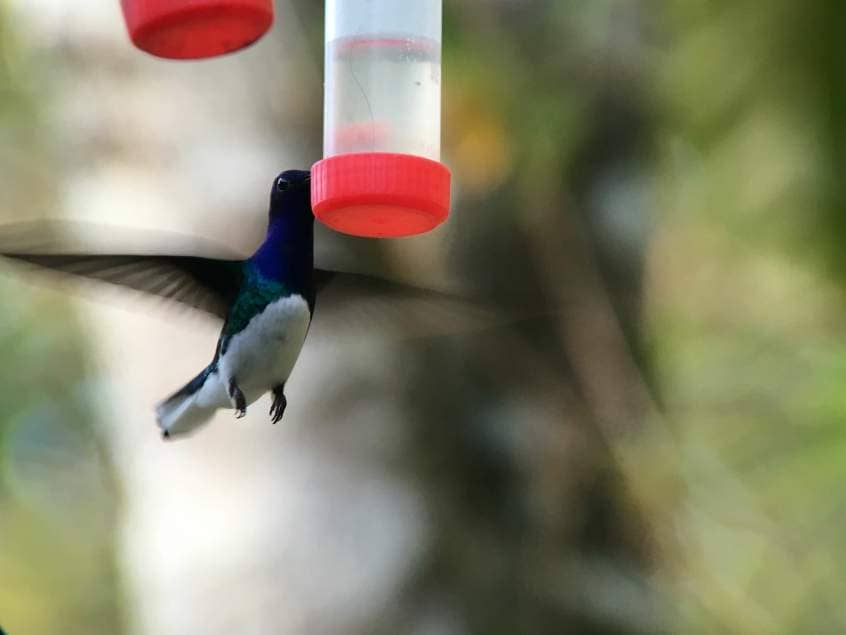
Maybe there is one bird you want to completely focus on and ignore everything else in the photo. If you are looking for that “bokeh” effect with a soft out-of-focus background and sharp image in the foreground, portrait mode will be your new best friend. Open the camera on your cellphone and on the bottom of the screen you should see “photo, video, portrait, pano, etc.” Choose portrait, lock that focus as described above and you can tell how everything around the subject becomes blurry while keeping the bird detailed and sharp.
Lastly, with any kind of photography you always want to remember the rule of thirds. The rule of thirds is a composition guideline that places your subject in the left or right third of an image, leaving the other two thirds more open resulting in a more appealing image. To help with this rule on your cellphone go to your camera settings and turn on the grid function. This divides your camera screen into 9 squares and you can easily line the subject up how you want.
These are just 5 quick tips to get you comfortable and familiar with your cellphone capabilities while digiscoping. There are more in depth settings we will discuss in blogs to come! Make sure to subscribe for all the digiscoping secrets.
